

Someone finds your freebie, types in their email address, downloads it and then hears nothing from you until your next newsletter goes out. That might be a week later. By then they've forgotten why they signed up and the best chance you had to make a first sale with them has gone by.
A welcome series fixes that. It's a short set of emails that starts the day someone joins your list and ends on one product they can buy right away. It's idea number one on my list of 99 ways to make sales every day without launching, because so many of the other ideas on that list work better once every new person is getting welcomed and offered something from their first day.
In this post I'll walk you through how to pick the first offer, what to put in each email, how to set it up in your email tool and your checkout tool and the mistakes that make a welcome series fall flat. There's also a made-up example at the end so you can see how the pieces fit together.
What a welcome series with a first offer is
A welcome series is an automated email sequence. That means you write the emails one time and your email tool sends them to each new subscriber on a schedule that starts on the day they joined. Someone who joins on a Tuesday in March gets email one that day and someone who joins on a Saturday in August gets the same email one on their own day.
The first offer is what turns it into something that sells. A plain welcome series says hello, shares a few links and hands people off to your regular newsletter. A welcome series with a first offer does the hello and the teaching too, but the last few emails introduce one paid product, explain who it's for and give people a good reason to buy it this week.
You'll hear this called a funnel, which is just a word for a path that moves someone from one step to the next. Here the path goes from your freebie, to a few helpful emails, to one product with its own checkout page.
Step one: pick the right first offer
The first offer is the product you'd want a brand new subscriber to buy before anything else. It's the one that makes the most sense right after the freebie they just downloaded. Here's what to look for when you choose it.
- It's tied to the freebie. If someone downloaded your free content calendar, the first offer could be a pack of caption templates that fills in that calendar. The freebie starts the job and the product helps them finish it.
- It's an easy yes. Something in the $7 to $47 range is easier to buy from someone you met a few days ago. Save your course or membership for later, or offer it as the upsell after checkout, which I'll get to below.
- It gives them something they can use right away. A template, a swipe file, a short workshop replay or a mini course they can finish in an afternoon is a good fit for a first purchase.
- It's already built and people like it. The welcome series will show this product to every new subscriber for months, so pick something you're proud of and that buyers have been happy with.
If you have more than one freebie, each one can have its own first offer. Start with your most popular freebie and one product, get that running and add the others one at a time after that.
Step two: write the six emails
Six emails over about nine days is a good starting point. It's long enough to teach something useful and build some trust before you ask for a sale and short enough that the offer shows up while the freebie is still fresh in their mind. Here's what goes in each one.
Day 0: Deliver the freebie
The subject line tells them what's inside. Put the download link in the first two lines, then add one or two sentences about who you are and what they can expect from you over the next week. Ask them to reply and tell you one thing about what they're working on.
Day 1: Why you made this
Share why you care about this topic and what you help people do. Keep it short and personal and write it the way you'd explain it to a friend over coffee. Leave selling out of this one.
Day 3: A quick win
Teach one thing they can do with the freebie today. Walk them through it step by step and end with one small task. This is the email that shows them you know what you're talking about.
Day 5: Introduce the offer
Connect the quick win to the bigger problem your product solves. Name the product, say what's inside, who it's for and what it costs. Then tell them about the welcome price and how many days it lasts, with a button to the welcome checkout.
Day 7: Answer their questions
Write this one as a list of questions people ask before they buy, like how long it takes, whether it works for beginners, what format it comes in and what your refund policy is. Add a real testimonial or two if you have them.
Day 9: Last day for the welcome price
Keep it short. Remind them what they get, what it costs today and that the welcome price ends tonight. Link to the checkout one more time.
A few things go in every email. Use one link or one button so it's clear what you want them to do. Send it from your own name so it looks like it came from a person. Keep paragraphs short so it's easy to read on a phone.
After email six, people move into your regular emails. If they didn't buy, that's fine. Your weekly product email will keep showing them products from your shop one at a time for as long as they're on your list.
Give people a reason to buy now
A welcome series works best when there's a reason to buy this week. The simplest reason is a welcome price that's only offered inside the series and only for a set number of days after each person joins. Say the product is $47 on your sales page. In the welcome series it could be $37 for five days, starting the day you introduce it.
Because the window starts on each person's own join date, the deadline is real for every single subscriber. Someone who joins today gets their five days and someone who joins next month gets their own five days.
The lower price should live on its own checkout page that you don't post anywhere public. Your sales page keeps the full price. I took the permanent public discount codes off my own pages and moved the lower prices into funnel windows like this one and I wrote about how to do that in Stop Leaving Your Discount Codes Out in Public.
If you say the welcome price ends, it has to end. When the window closes, the welcome checkout link should stop working or send people to the full price page. A countdown that starts over every time someone clicks teaches your subscribers to ignore your deadlines.
How to set it up in your email tool
I use Kit for email and ThriveCart for checkout, but every email tool and checkout tool has some version of these settings. The names change from tool to tool, so look for the closest match in yours.
- Create the sequence. Some tools call it a sequence and others call it an automation, a journey or a workflow. Add your six emails and set the delay for each one, so email one goes out right away and the others follow on days 1, 3, 5, 7 and 9.
- Connect it to your freebie signup form. Set a rule that says when someone signs up through this form, add them to this sequence. That way nobody has to be added by hand.
- Make a buyer tag. A tag is a label on a subscriber's record. Make one for this product, like "bought caption pack," so your email tool knows who already owns it.
- Stop the sales emails for buyers. Set a rule so anyone who gets the buyer tag skips the rest of the offer emails. Someone who bought on day five shouldn't get a last chance email on day nine for something they already have.
- Tag people when they finish. At the end of the sequence, add a tag like "welcome complete." You'll use that tag to start them on your weekly product email and your regular newsletter.
- Decide what happens with your newsletter. Some creators wait until the welcome series is done before new people get the regular newsletter, so nobody gets two emails from you on the same day. Others send both. Pick one on purpose.
- Test it. Sign up with a second email address and go through the whole thing yourself, clicking every link.
How to set it up in your checkout tool
Your checkout tool is where people pay. For a welcome series you'll set up a few things there so the sale goes smoothly and your email tool knows who bought.
- Make a welcome checkout. Create a second checkout page for the same product at the welcome price. This is the only link you'll use in the welcome emails.
- Connect your checkout to your email tool. Set it up so that when someone buys, they get the buyer tag in your email tool. Most checkout tools do this with a built-in connection, or you can use a connector tool like Zapier.
- Add an order bump. An order bump is a small add-on with a checkbox right on the checkout page, like a $9 set of bonus templates. It's a simple way to raise what each buyer spends.
- Add an upsell. An upsell is an offer that shows up on the page right after someone pays and with one click they can add it. This is a good place to offer your membership, which I explain in Why Your Membership Should Be the Upsell on Every Product.
- Close the window when it ends. To make the deadline work for each person, use a countdown tool that connects to your email tool and knows when each subscriber joined. When their window ends, it sends them to the full price page.
- Do a test purchase. Use your checkout tool's test mode, or a 100% off coupon you delete afterward and make sure the tag shows up in your email tool.
Mistakes to avoid
- Selling in the first email. The first email has one job, which is getting them the freebie. Give them a few days to use it before you introduce something paid.
- Offering something unrelated to the freebie. If the freebie is about content planning and the offer is about pricing, it feels random to the person reading it.
- Offering three products at once. One product with one checkout is easier to decide on. You can feature the others later in your weekly product email.
- Sending sales emails to people who already bought. Set up the buyer tag and the rule that stops the offer emails before you turn the series on.
- Fake deadlines. If the price doesn't really go back up, people will notice and stop trusting what you say in your emails.
- Setting it up and never looking at it again. Once a month, check which email people stop opening and which links get clicked. Fix the weakest email first.
- Old dates and day names in the emails. People come through the series on every day of the year, so a line like "this Friday" will be wrong for most of them.
"Someone who joins today gets their five days and someone who joins next month gets their own five days."
Dr. Destini CoppA hypothetical example
Everything in this section is an example with round numbers I made up to show how the pieces work together. It isn't from a real business and it isn't a prediction of what you'll see.
Say you're a newsletter creator with a free 30 day content calendar. Your first offer is a caption template pack that costs $47 on your sales page. In your welcome series it's $37 for five days, starting with email four.
Your checkout has a $9 order bump for a set of bonus story templates. After someone pays, an upsell page offers your $29 a month membership with the first month for $7.
Now say 300 people sign up for the content calendar in a month. If 3 out of every 100 bought the caption pack at the welcome price, that's 9 sales at $37, or $333. If 4 of those 9 buyers added the order bump, that's another $36. If 2 of the 9 said yes to the membership upsell, you'd have 2 new members who start at $7 and then pay $29 a month after that.
The other 291 people finish the series, get tagged "welcome complete" and start getting your weekly product email. Some of them might buy something next month or the month after and you didn't have to send a single email by hand to make any of it happen.
Where to go from here
A welcome series is the first thing new subscribers see from you, so it's a good place to start if you don't have any always-on sales set up yet. Once it's running, the next steps are a weekly product email for everyone who finishes it and a membership upsell on your checkout pages.
If you're not sure which idea to set up first in your own business, my free Sales on Repeat skill can help. It's a Claude skill that asks a few questions about your business and picks the first three Sales on Repeat ideas you should set up.
You can see all 99 ideas, including the welcome series and the others I mentioned here, on the full Sales on Repeat list.
Find out which Sales on Repeat ideas to set up first
The free Sales on Repeat skill asks a few questions about your business and picks the first three ideas you should set up, so you know where a welcome series fits.
Get the free Sales on Repeat skill →Frequently asked.
How many emails should a welcome series have before I make an offer?
Six emails over about nine days is a good place to start. The first three deliver the freebie, introduce you and teach a quick win. The last three introduce one product, answer questions and close the welcome price.
What product should I offer at the end of my welcome series?
Pick one product that's tied to the freebie people signed up for and that's an easy yes, usually something in the $7 to $47 range. It should be already built and something buyers have been happy with.
How do I make a deadline in an automated welcome series that's real for each person?
Put the welcome price on its own checkout page and use a countdown tool that connects to your email tool and knows when each subscriber joined. When each person's window ends, the link sends them to the full price page.
How do I stop sending sales emails to people who already bought?
Have your checkout tool add a buyer tag in your email tool when someone pays. Then set a rule in the sequence so anyone with that tag skips the rest of the offer emails.
What happens to subscribers after the welcome series ends?
Tag them when they finish, with something like welcome complete. That tag starts them on your regular newsletter and your weekly product email, so they keep seeing products from your shop.
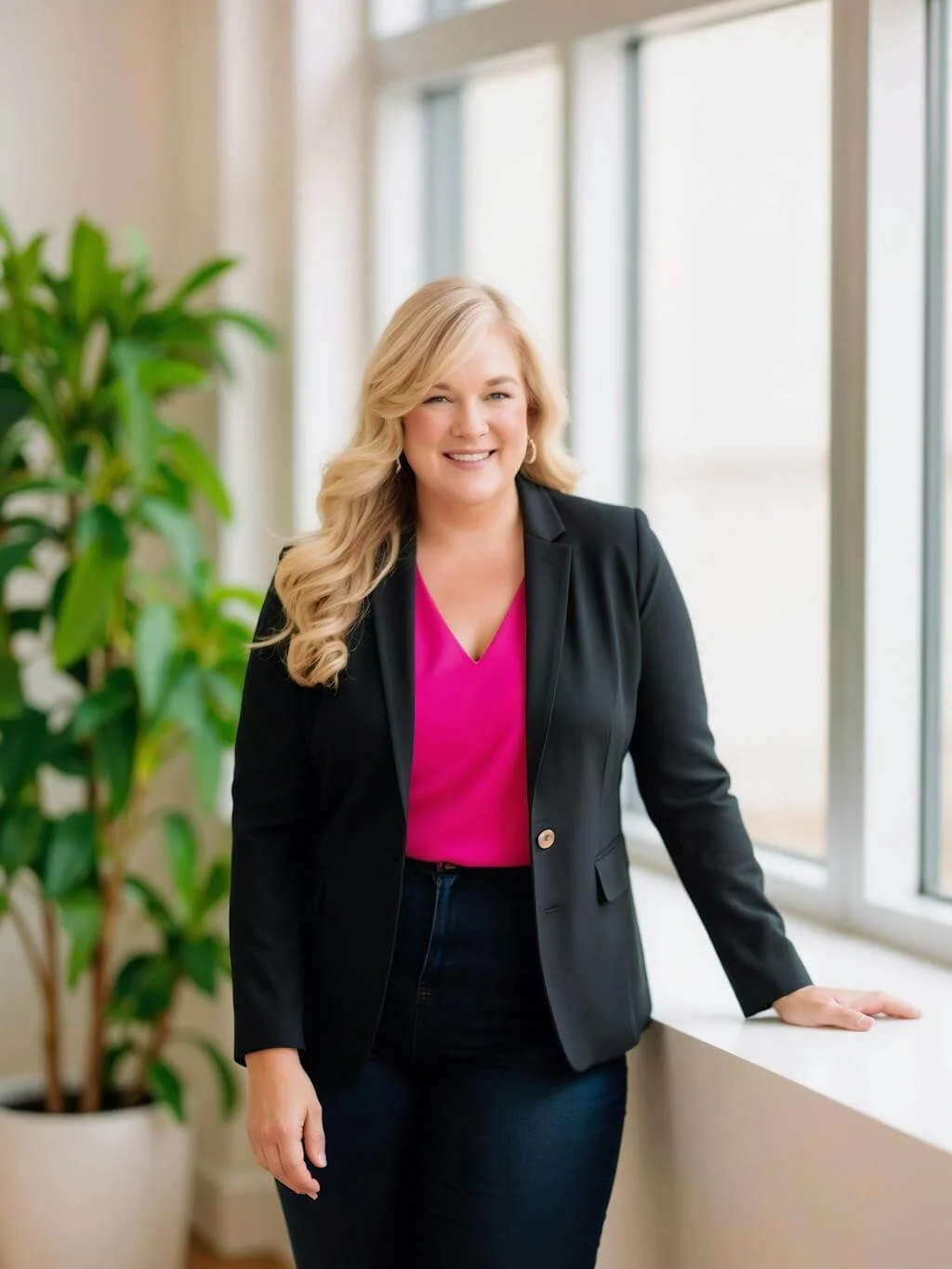
Dr. Destini Copp helps digital product creators build sustainable, systems-based businesses through the Creator Growth Flywheel framework. She's the founder of Creator's MBA and HobbyScool, and has been teaching online business strategy for over a decade. Learn more →