
You spent weeks planning a summit or a workshop. You lined up speakers, wrote the emails, ran the sessions live and sold VIP passes. Then the event ended, the replays went into a folder and nobody new ever saw them again.
Every past event can keep selling after it's over. An event replay funnel turns a summit or workshop you've already run into its own evergreen sales sequence, which means a set of emails that runs on its own for each new person who signs up, any day of the year. It's idea number fourteen on my list of 99 ways to make sales every day without launching.
I run an event every month in each of my businesses. HobbyScool runs virtual summits every month and Creator's MBA runs an event every month too, so there are a lot of past events to work with. In this post I'll walk you through what to sell, what pages to build, what to put in each email, how to set it up and the mistakes to avoid, with a made-up example at the end.
What an event replay funnel is
An event replay funnel has three parts.
- A free way in. This is a signup page where people can get one free session from the event, or a short highlight video, or a free guide that came out of the event.
- A paid product. This is the full replay set, sold as its own product, often with the bonuses that came with the VIP pass.
- An email sequence that connects them. A short set of emails delivers the free part, shares what people learned at the event and invites them to buy the full replay set at a special price for a few days.
Someone who's never heard of the event will be seeing these sessions for the first time and the sessions still teach what they taught on the day you ran them, which is why the replays are worth selling.
Step one: decide what to sell
Start by looking at what you have from the event. Make a list of every session recording, the slides, any workbooks or handouts, speaker bonuses you have permission to keep offering and anything you made for VIPs.
Then decide what goes in the paid product. Most of the time it's the full set of replays plus the bonuses that came with the VIP pass. Give it a clear name that says what it is, like "Pinterest Summit Replay Collection," and decide on a regular price and a lower funnel price.
Check your speaker agreements before you start. Some speakers agree to have their sessions available for a set time and some bonuses were only for live attendees. Only include what you have permission to keep selling and if you're not sure, ask the speaker.
Step two: pick the free way in
The free part is what gets new people onto your list for this funnel. Here are a few options that work well for event replays.
- One free session. Pick the session people talked about most during the event and give it away as a free replay.
- A highlight video. Edit together a few short clips from different sessions into one 15 to 20 minute video.
- A takeaways guide. Write up the main teaching point from each session in a short PDF, with a link to the full replays at the end.
- A free resource from the event. If a speaker shared a checklist or template with attendees and you have permission to keep sharing it, that can be the free way in.
Choose the one that's the easiest yes for your audience. A single strong session is often enough, because it shows people exactly what the paid replays are like.
Step three: build the pages
You need three pages for this funnel. You can usually copy pages you already made for the event and edit them.
- The signup page. Headline about what they'll learn, a short description of the free session or guide, a short list of what the event covered and a signup form. Take out anything that sounds live, like dates and "join us."
- The sales page for the replays. List every session with the speaker's name and one line about what it teaches. List the bonuses. Add testimonials from people who came to the event live. Put the regular price and a button to the regular checkout.
- The funnel checkout. A separate checkout page at the lower funnel price, only linked from the funnel emails.
Write all three pages for someone who's never heard of the event. Explain what it was, who spoke and what people walked away with, in plain words.
Step four: write the emails
Five emails over about seven days is a good place to start. Here's what goes in each one.
Day 0: Deliver the free session
Put the link to the free replay or guide at the top. Then explain in two or three sentences what the event was and who it was for.
Day 1: What people learned
Share three or four main lessons from different sessions, one short paragraph each, with the speaker's name. This shows the range of what's in the full set.
Day 3: Introduce the replay set
Name the product, list what's inside and say what it costs. Then share the funnel price and how many days it lasts, with a button to the funnel checkout.
Day 5: Questions and proof
Answer the questions people ask, like how long they have access, whether it works for beginners and how the replays are organized. Add testimonials from live attendees.
Day 7: Last day for the funnel price
A short reminder of what's inside, what it costs today and that the funnel price ends tonight.
Leave every date and day name out of these emails. This sequence runs for people who sign up on every day of the year, so a line like "the summit was last month" will be wrong for most of the people who read it.
If you run events often, the last email in the replay funnel can also mention your next live event or your membership. Someone who enjoyed the replays is a good fit for the next thing you run.
How to set it up in your email tool and checkout tool
I use Kit for email and ThriveCart for checkout. Every tool names these settings a little differently, so look for the closest match in yours.
In your email tool
- Make a signup form for the free session and put it on the signup page.
- Create the sequence with your five emails and set the delays to day 0, 1, 3, 5 and 7.
- Connect the form to the sequence so anyone who signs up starts the emails right away.
- Tag people by event. Add a tag like "replay funnel: Pinterest summit" so you know where they came from. This helps later when you're deciding who to invite to your next event.
- Stop the sales emails for buyers with a rule that pulls anyone with the buyer tag out of the rest of the sequence.
- Leave out people who already own the replays. Anyone who bought a VIP pass during the live event should have a tag already. Exclude them from the funnel so they don't get offered something they paid for.
In your checkout tool
- Make the replay set its own product with a regular price checkout and a separate funnel checkout.
- Set up delivery. Decide where the replays live, whether that's a course area, a members page or a private video page and connect it so buyers get access as soon as they pay.
- Connect the buyer tag so your email tool knows who bought.
- Add an order bump, a small add-on with a checkbox on the checkout page, like a workbook for the sessions or the slides from every talk.
- Add an upsell, which is an offer on the page right after they pay. Your membership is a good fit and I explain why in Why Your Membership Should Be the Upsell on Every Product.
- Close the funnel price when each person's window ends, using a countdown tool that knows when each person signed up.
How to send people into the funnel
The funnel only works if new people find the signup page. Here are a few ways to send them there.
- Your weekly product email. Feature the replay set in your rotation and link to the free session for anyone who isn't ready to buy. I explain the rotation in One Email a Week, Forever.
- Your welcome series. If an event replay fits a new subscriber's interest, it can be the first offer at the end of your welcome series.
- Blog posts and pins. Write a post about one topic from the event and link to the free session at the end.
- Ads. A small always-on ad to the free session can bring in new people every day. I run Meta ads in my own business and this kind of ad works the same way as a freebie ad.
- Speakers. If your speakers are affiliates, give them the signup page link and an updated set of promo emails.
Mistakes to avoid
- Leaving live language on the pages. "Join us live" and "see you on the 14th" tell new visitors they missed it. Update every page so it reads well any day of the year.
- Selling replays you don't have permission to sell. Check your speaker agreements and ask when you're not sure.
- Offering the funnel to VIPs. Leave out anyone who already bought the replays.
- Making the free session too short to be useful. If the free part doesn't teach anything, people won't believe the paid part will either.
- Building a funnel for every event at once. Start with the event that had the best sessions and the most interest, then add one more at a time.
- Never updating it. Once or twice a year, check that every link works, every speaker is still okay with being included and the topics still fit your audience.
"Write all three pages for someone who's never heard of the event."
Dr. Destini CoppA hypothetical example
Everything in this section uses round numbers I made up to show how an event replay funnel works. It isn't from a real business and it isn't a prediction.
Say you ran a three day virtual summit about selling digital planners. There were 15 sessions and the VIP pass with replays and bonuses was $67 during the event.
After the summit, you make the replay set its own product at $97, with a funnel price of $47 for five days. The free way in is one session about pricing your planners, which attendees asked about the most. The order bump is a $12 workbook for all 15 sessions and the upsell is your $29 a month membership.
Now say a small freebie ad and your blog send 200 people a month to the free session. If 4 out of every 100 bought the replay set at the funnel price, that's 8 sales at $47, or $376. If half of those buyers added the workbook, that's another $48. Those sales come from an event you already ran and the same funnel keeps running next month with whoever signs up then.
Now picture doing that for one event every couple of months. After a year you'd have several replay funnels running side by side, each one with its own free session and its own sales sequence.
Where to go from here
If you've run even one summit or workshop, you have what you need to build your first replay funnel. Pick the event with the best sessions, choose a free session, update the pages and write five emails.
If you're not sure whether a replay funnel is the right place for you to start, my free Sales on Repeat skill can help you decide. It's a Claude skill that asks a few questions about your business and picks the first three Sales on Repeat ideas you should set up.
You can see the event replay funnel and the rest of the ideas on the full Sales on Repeat list.
See if a replay funnel should be your first move
The free Sales on Repeat skill asks a few questions about your business and picks the first three ideas you should set up.
Get the free Sales on Repeat skill →Frequently asked.
Can I sell replays of a summit after it's over?
Yes, you can make the replay set its own product with a regular price and a lower funnel price. Check your speaker agreements first and only include sessions and bonuses you have permission to keep selling.
What should I give away for free in an event replay funnel?
One strong session is often enough, usually the one people talked about most. A short highlight video or a takeaways guide from the sessions can also work.
How many emails do I need for a replay funnel?
Five emails over about seven days is a good start. Deliver the free session, share lessons from the event, introduce the replay set, answer questions and then send a last day reminder.
How do I keep people who bought the VIP pass out of the replay funnel?
VIP buyers should already have a tag from the live event. Exclude that tag from the funnel so they aren't offered replays they already paid for.
How do I get new people into an event replay funnel?
Feature it in your weekly product email, use it as a first offer in your welcome series when the topic fits, write blog posts that link to the free session and run a small always-on ad to the signup page.
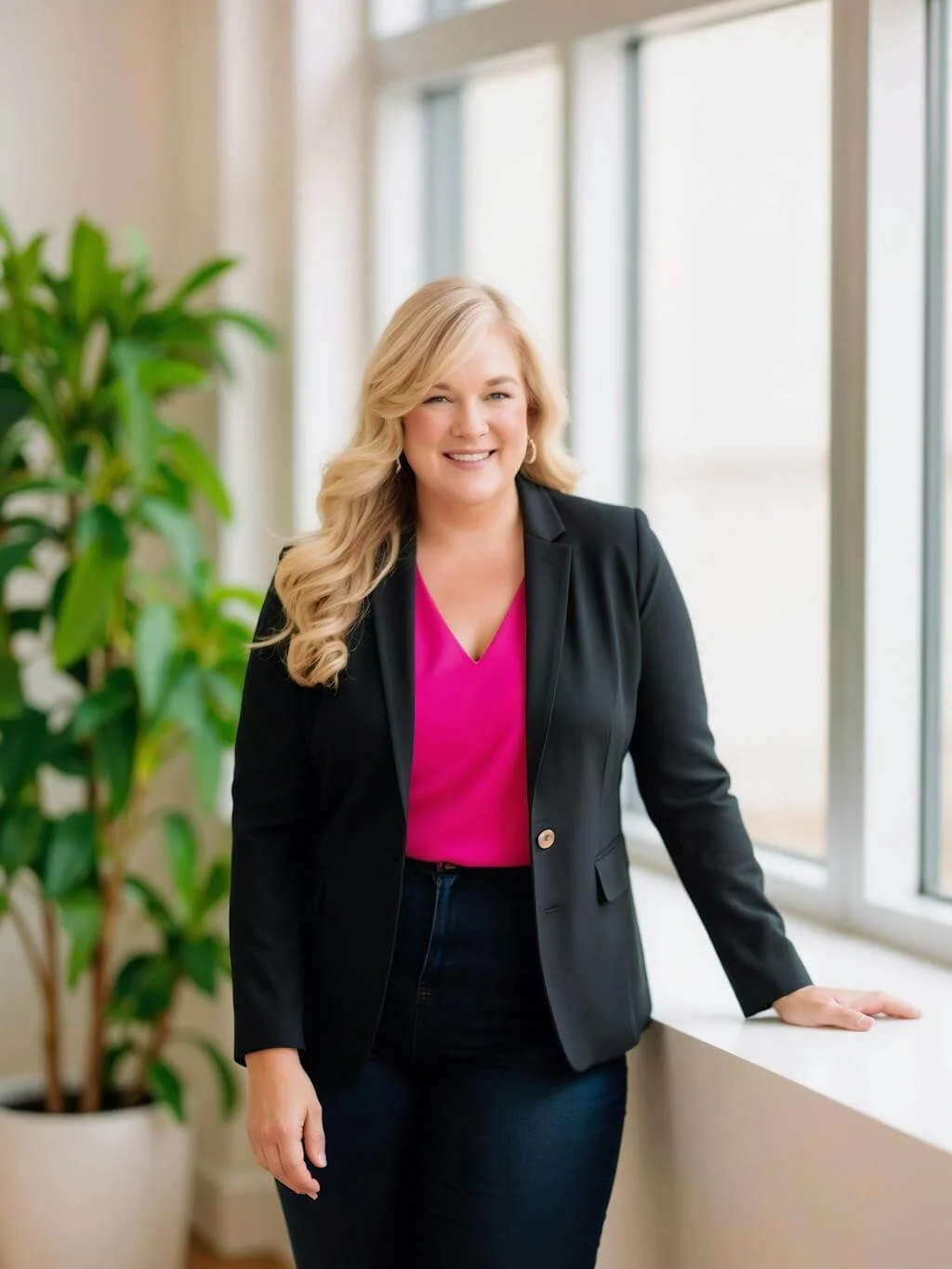
Dr. Destini Copp helps digital product creators build sustainable, systems-based businesses through the Creator Growth Flywheel framework. She's the founder of Creator's MBA and HobbyScool, and has been teaching online business strategy for over a decade. Learn more →