
What Is Your Offer Being Compared To?
Say you sell a $297 course on setting up a paid newsletter and someone reads your sales page and leaves thinking "I can learn all of this on YouTube for free." That person isn't really telling you your price is wrong. They're comparing your course to free videos and next to free, anything looks like it costs too much.
Creators ask me what to charge all the time and I usually answer with a question back. What is your buyer comparing your offer to right now? A lot of the time the creator hasn't thought about it, so the buyer picks the comparison on their own and it's usually one that makes the price look bad.
This article is part of a series on the story buyers tell themselves about the money they spend. The idea came from Codie Sanchez's newsletter and in the first article I walk through where it came from and the three parts of a buyer's story. Here I'm focusing on one piece of it, which is the comparison.
A price only looks high next to something else
Nobody looks at $297 all by itself and decides it's expensive. They put it next to something they already know the price of, like a book, a streaming subscription or the course a friend bought last year. Whatever they put it next to decides whether $297 feels like a lot or a little.
Your buyer is going to compare your offer to something whether you help them or not. If your sales page doesn't give them a comparison, they'll grab the closest one in their head and it's usually the cheapest thing that looks similar.
So your job is to pick the comparison yourself and put it where they'll see it, on the sales page and in your sales conversations. You don't have to change the offer to do this and you don't have to drop the price.
When a buyer says your offer costs too much, ask yourself what they're comparing it to. If it's something free or cheap that does a different job, give them a better comparison on the page before you touch the price.
The comparisons creators get stuck with
I see the same four comparisons come up again and again for creators.
Free YouTube videos
If you teach anything online, there's free content on the same topic. A buyer looking at your $197 workshop on Canva templates knows there are hundreds of free Canva tutorials, so it looks like you're charging for something they could get for nothing.
The free videos do teach pieces of it. What they don't do is put the pieces in order for someone at your buyer's stage, answer their questions or walk them to a finished result. Your buyer still has to dig through all of it and figure out which advice fits their business.
A $20 book
This one shows up a lot with courses and coaching. The buyer thinks "I could buy a book on this for $20" and next to $20, a $497 program looks like a big jump.
A book gives them information. Your program might give them feedback, templates, a community or a live call where they can ask about their own situation. Those are different jobs and the price reflects that, but the buyer won't see it unless you show them.
A cheaper course on the same topic
Someone else sells a course on the same topic for $97 and yours is $397. The buyer sees two courses with similar titles and assumes they're the same thing at two different prices.
They might be very different. Yours could include feedback, a different method or a result the cheaper one doesn't promise. If your sales page reads like a list of modules, the buyer has no way to tell the two apart except by the price.
Netflix (for memberships)
Memberships get compared to streaming subscriptions all the time. A $39 a month membership feels high to someone who pays less than that for Netflix and gets thousands of shows.
Netflix is something they watch to relax at the end of the day. Your membership is something they use to make money, build a skill or finish a project. When the comparison is entertainment, any monthly price feels like a lot for something they might not get around to using and that same comparison comes back when they're deciding whether to cancel.
Better things to compare your offer to
A better comparison is something your buyer already has to pay for, in time or money, if they don't buy from you. There are three that work for most creator offers.
Another six months figuring it out alone
Your buyer can figure most things out on their own. It just takes longer and while they're figuring it out they aren't selling anything.
Say you sell a $47 workshop on setting up a paid newsletter. The comparison you want is the weekends they'd spend reading help docs, testing settings and wondering if they set it up right. Put the workshop next to those weekends and $47 looks small.
Paying someone to do it
A lot of creator offers teach something the buyer could also hire out. If you sell a $297 course on writing a sales page, compare it to hiring a copywriter, who will often charge a lot more than that for one page.
Your buyer can look up what a copywriter costs on their own, so you don't have to make any claims. Once they know that number, the course starts to look like the less expensive way to get the same page written.
What the problem costs each month it stays unfixed
This one works for almost every offer. If someone's membership loses members every month, every month that goes unfixed costs them money. If someone's lead magnet isn't bringing in subscribers, every month it sits there they're missing people who could have bought from them.
Put a number on it with a simple example. Say a membership at $29 a month loses five members a month that better onboarding would have kept. That's $145 a month walking out the door and a $297 program that fixes it pays for itself in about two months.
Your buyer is going to compare your offer to something whether you help them or not.
Dr. Destini CoppHow to pick the comparison for your offer
You don't need all three comparisons on one page. Pick the one that matches what your buyer is actually dealing with. Here are the steps I'd go through.
Write down the comparison they use now
Look through your email replies, comments and sales call notes for what people say when they don't buy. "I can find this free," "I already bought a course on this" and "it's more than Netflix" each tell you what they're comparing you to.
Figure out what they'd do instead
Ask what your buyer would actually do if they didn't buy from you. It's usually one of three things, which are keep trying on their own, hire someone or leave the problem the way it is.
Put a number or a time on it
A comparison works better when it's specific. Use hours, months or dollars your buyer would recognize from their own business and keep every number honest.
Try it in one place first
Add the comparison to one spot, like the section right above your price or one email in your next promo. Then pay attention to what people reply with and whether sales change.
If you're not sure which comparison fits, the free Pricing Story Finder can help. It's a Claude skill that asks you a few questions about one offer and the people who buy it, then hands back your buyers' story, a better comparison, a starting price range to test and sales page lines in your buyers' own words.
Putting the comparison on your sales page
The comparison should show up before the buyer gets to the price, so the price lands right next to the thing you picked. These are the spots where it fits best.
- The problem section. Describe what it looks like to keep doing this alone, like the weekends spent on setup or the posts that don't bring in any subscribers.
- Right above the price. One or two plain sentences work well here, like "Hiring a copywriter for one sales page often costs more than this whole course. In this course you learn to write every sales page you'll need from here on."
- The FAQ. Answer "Can't I just learn this on YouTube?" directly. Say yes, a lot of the information is out there and then explain what your offer adds, like the order, the feedback or the templates.
- Near the payment plan. If you offer a payment plan, put the monthly payment next to the monthly cost of the problem.
Keep the comparison believable. Don't make hiring someone sound more expensive than it is or promise a dollar result you can't back up. A buyer who catches one stretched number stops trusting the rest of the page.
Using the comparison on sales calls
If you sell coaching, a high-ticket program or a done-with-you offer, you might be selling it on calls. The comparison works even better there because you can ask the buyer to make it themselves.
Ask questions like these:
- "How long have you been trying to fix this on your own?"
- "Have you looked at hiring someone to do it? What did that cost?"
- "What's it costing you each month that this stays the way it is?"
Let them answer and then add it up together out loud. When the buyer says "about a year" or "a designer quoted me $3,000," they've just given you a comparison in their own words and it means a lot more to them than any number you could bring up yourself.
If they bring up a cheaper comparison, like a $20 book, don't argue with it. Ask what they'd still need help with after reading the book and let them tell you what's missing. I put together more questions like these in the questions that get buyers to tell you why they buy.
What to do this week
You can get this done in an afternoon for one offer.
- Pick one offer and write down what buyers compare it to now.
- Choose one better comparison from the three above, which are time spent alone, hiring it out or the monthly cost of the problem.
- Write two sentences that make that comparison in plain words.
- Add them right above the price on your sales page.
- Use the same comparison in your next promo email or sales call and see what people say back.
Leave the price where it is while you test this. Once the comparison is on the page and buyers are responding to it, you'll have a much better idea of whether the price needs to move at all.
Find the better comparison for your offer
The free Pricing Story Finder asks you a few questions about one offer and hands back a better comparison and sales page lines in your buyers' own words.
Get the Pricing Story Finder →Frequently asked.
Why do people say my course is too expensive when it's priced lower than similar courses?
They're probably comparing it to something cheaper or free, like YouTube videos or a $20 book. The price looks high next to that comparison even when it's fair. Give them a better comparison on your sales page, like the time they'd spend figuring it out alone or what it costs to hire someone.
What should I compare my online course to on my sales page?
Compare it to what your buyer would actually do if they didn't buy. That's usually spending months figuring it out on their own, paying someone to do it for them or leaving the problem unfixed. Pick the one that fits your buyer and put it right above the price.
How do I answer "I can learn this for free on YouTube"?
Agree that a lot of the information is out there and then explain what your offer adds. That could be the right order for their stage, feedback on their work, templates or a finished result. Put this answer in your FAQ so buyers see it before they leave the page.
How do I stop people comparing my membership to Netflix?
Show them what the membership helps them do in their business, like finish a project or bring in more sales. Then compare the monthly price to what the problem costs them each month it stays unfixed. That puts the price next to something that matters to them.
Should I lower my price if buyers think it's too high?
Try changing the comparison first and leave the price where it is. Add one or two plain sentences above your price and use the same comparison in your next email or sales call. Once you see how buyers respond, you'll know a lot more about whether the price needs to change.
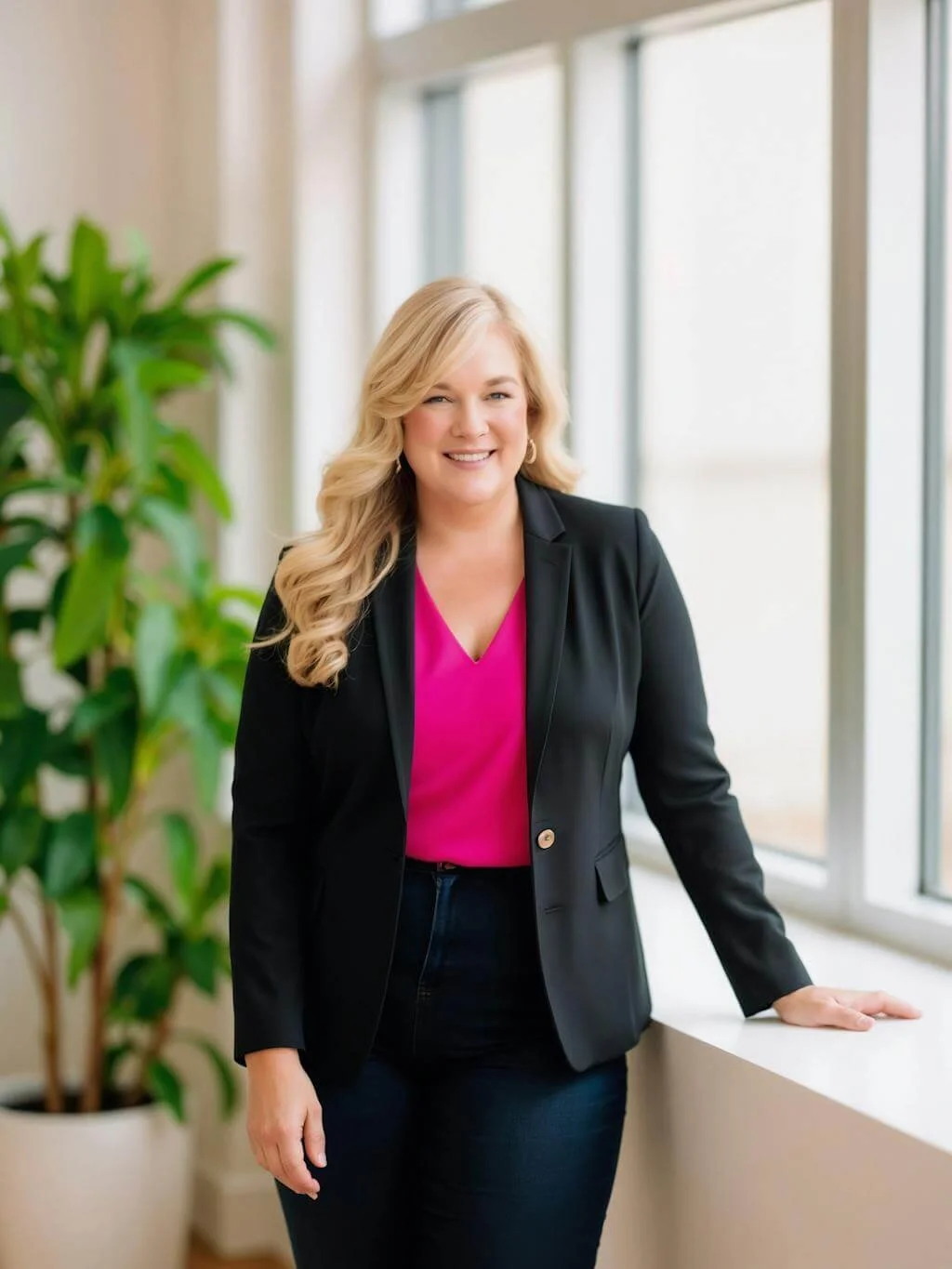
Dr. Destini Copp helps digital product creators build sustainable, systems-based businesses through the Creator Growth Flywheel framework. She's the founder of Creator's MBA and HobbyScool, and has been teaching online business strategy for over a decade. Learn more →