
How I Use AI to Pull Competitive Data
I registered for a free summit run by another business that runs summits in the same space as HobbyScool, so I could study how they run it. Every morning a scheduled task in Claude logs each email they send me into a Google Sheet, with the subject line, the offer, the price and notes on what's worth copying or avoiding. The day after their summit ends, a second task writes up a full comparison with how HobbyScool runs summits and sends me the top three ideas. My morning briefing also checks three people I follow each day and tells me what they actually published.
HobbyScool runs more than 12 virtual summits a year for people who love crafts and creative hobbies. There's another business that runs summits in the same space and they have a free summit running from late October into early November 2026. I registered for it with my own email so I could study how they run it.
Studying how other people run their events is a normal part of running a business. I want to see what they send, when they send it and what they sell, so I can learn what's worth copying and what I'd rather avoid at HobbyScool.
A summit sends a lot of emails, and I wanted to see their whole sequence at once. So I set up two scheduled tasks in Claude, one that runs every morning during their event and one that runs once when it's over. I also added a section to my morning briefing that keeps up with people I follow. This post walks through all three.
What these tasks do.
Here's the short version before I get into the steps.
- The daily email log. Every morning, Claude searches my Gmail for new emails from that business and adds a row for each one to a Google Sheet.
- The one time comparison. The day after their summit ends, Claude reads everything in the log and writes a Google Doc comparing how they run summits with how HobbyScool runs them.
- The people watch. My early morning briefing checks three people a day from a list of people I follow in business, ads, newsletters and AI and tells me what they published.
The first two are for one event. The third one runs all the time as part of the briefing I already get every morning.
How the daily email log works.
I wrote the instructions in plain English, the same way I'd explain the job to an assistant. There are four steps.
Search my inbox for new emails from them
Every morning, Claude searches my Gmail for any new emails from that business since the last time it ran. If an email isn't actually from them, it skips it, so the sheet only has emails that business sent.
Add one row for each email
Each email gets its own row in a Google Sheet. The columns are the same every time:
- The date and the time it was sent
- The sender name
- The subject line, exactly as they wrote it
- What the email is, in one plain line
- The offer and the price, if the email pitches one
- Where the main button goes
- Which summit it's for
- Notes on anything worth copying or avoiding
Describe where the button goes in plain words
Marketing emails usually use tracking links, and Claude doesn't click them. It reads the email and describes in plain words where the main button is sending people.
Write notes on what's worth copying or avoiding
This is where Claude writes down anything about the email I might want to look at again, like how the subject line is written, how the classes are listed or how often a certain offer shows up.
What the rows look like
The "what the email is" column is one plain line, like these:
- Activate your ticket
- Day 2 classes are live
- VIP price ends tonight
- Replays closing
- Next summit announcement
The notes column reads more like a list of observations. Some of the examples I gave it when I wrote the instructions were "subject line uses the reader's first name," "lists all of today's classes with times," "second VIP email today" and "P.S. pushes the Facebook group."
When the summit is over, I'll have every email they sent in date order with the offer and price next to it. I can see when they started selling the VIP pass, how many times they mentioned it and what they sent after the replays closed.
"I want to see their whole sequence in one place, so I can learn what to copy and what to avoid."
Dr. Destini CoppWhat it sends me.
The daily log only messages me on days when new emails came in. On those days, I get how many emails it added and one line on anything that stands out. If nothing new arrived, I don't hear from it at all.
The comparison when it's over
The second task is set to run one time, on November 5, 2026, the day after their summit ends. It reads the whole email log, goes back through my inbox and looks at their public pages. Then it writes a Google Doc comparing how they run summits with how HobbyScool runs them.
When it's done, it sends me the top three ideas from that comparison. It also reminds me that I can turn off the daily log now that the event is over.
Keeping up with people I follow.
The third piece lives inside my early morning briefing. I have a rotating list of people I follow in business, ads, newsletters and AI and every morning the briefing checks three of them. Because it rotates, each person gets covered about twice a week.
It reports what each person actually published, with the date and a link, so I can click straight through to it. I wrote into the instructions that it should never give me a generic "state of the industry" summary.
It also blocks generic listicle and roundup sites, so the links it gives me go to what the person published themselves.
If someone on the list hasn't published anything new, the briefing skips them. And it keeps a log of what it's already covered so it doesn't repeat the same post or article on a later day.
The rules I wrote into it.
Signing up for someone else's event with my own email means Claude is reading emails in my real inbox. So I was careful about what it's allowed to do there.
It's read only. It never replies to an email, clicks a link, adds a label, archives anything or unsubscribes me. It never buys anything. It skips any email that isn't actually from that business and it only messages me on days when new emails come in.
Because it doesn't click, the button column comes from what the email itself says.
The point of all of this is learning. I'm looking at how another business runs their summits so I can decide what to try at HobbyScool and what to leave out.
How to set up your own.
You don't need to be running summits to do this. Pick one business you'd like to learn from, sign up for their email list or their next event and have AI log every email into a sheet so you can see their whole sequence at once.
Here's how I'd set it up.
- Make the sheet first. Add columns for the date, time, sender, subject line, what the email is, the offer and price, where the main button goes and your notes. If you're watching one event, add a column for which event it is.
- Connect your email and Google Sheets to Claude. The task needs to be able to search your inbox and add rows to the sheet.
- Write the instructions in plain English. Tell it which sender to look for, what to put in each column and what to do with emails that aren't from that business. Give it a few examples of the kind of notes you want, like the ones I listed above.
- Write the rules in. Say that it only reads and reports and list everything it can't do, like replying, clicking, labeling, archiving, unsubscribing or buying.
- Pick when it messages you. I only hear from mine on days with new emails and you can set yours up the same way.
- Set a one time task for the end. Schedule it for the day after the event ends and have it write a comparison with how you do things, plus your top three ideas.
If you sell low ticket offers, you could watch a business's launch sequence. If you run a membership, you could watch how someone else runs their open cart. The steps are the same either way.
One more tip for anyone researching tools. I keep paid accounts on both ChatGPT and Claude and when I'm trying to figure out what will work best for a task, I test the same task in both and compare what comes back.
More from this series.
This post is part of a series on what AI can do for your business. The full list of tasks I run is in the first post, with everything that runs daily, weekly, monthly and once.
If you liked the idea of Claude reading event emails, my speaker sourcing tasks work in a similar way. One of them reads the summit, webinar and bundle emails I get from other people in my space and adds every speaker to a sheet for my speaker recruiter. You can read about that in how I use AI to find speakers. And if you want something simpler to start with, your first scheduled task walks through a weekly newsletter draft.
Find out where your business needs help first.
Before you spend time studying what other businesses do, it helps to know which part of your own business to focus on. The free Creator Growth Flywheel Scorecard takes about two minutes.
Take the free scorecard →Frequently asked.
How can I use AI to track a competitor's marketing emails?
Sign up for their email list or their next event, then set up a scheduled task in Claude that searches your inbox every morning for new emails from that business. Have it add a row for each email to a Google Sheet with the date, subject line, what the email is, the offer and price and notes on anything worth copying or avoiding.
Is it okay to sign up for another business's event to study how they run it?
Yes. Studying how other people run their events is a normal part of running a business. I registered for a free summit with my own email so I could learn what to copy and what to avoid at HobbyScool, and I keep it respectful.
Can Claude read my Gmail and log emails into a Google Sheet automatically?
Yes. Once Gmail and Google Sheets are connected to Claude, a scheduled task can search your inbox for a certain sender every morning and add one row per email to a sheet. Mine skips any email that isn't actually from that business and only messages me on days when new emails come in.
How do I stop AI from clicking links or replying when it reads my inbox?
Write the rules into the task instructions. Mine is read only and it never replies, clicks a link, adds a label, archives anything, unsubscribes me or buys anything. For the main button, it reads the email and describes where the button goes in plain words.
How can AI help me keep up with what people in my industry are publishing?
My early morning briefing checks three people a day from a rotating list, so each one gets covered about twice a week. It reports what they actually published with a date and link, blocks generic listicle and roundup sites, skips anyone with nothing new and keeps a log so it doesn't repeat.
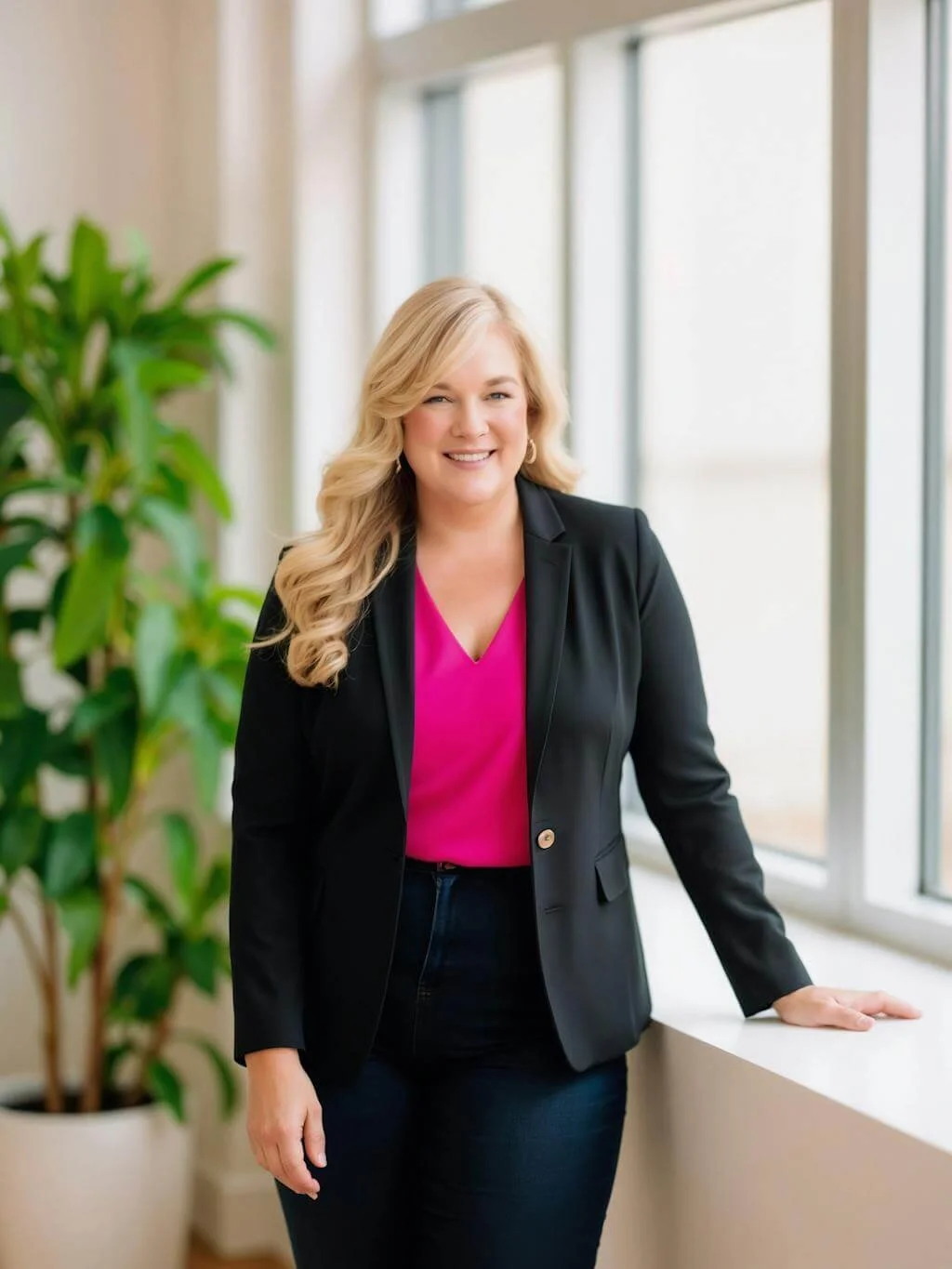
Dr. Destini Copp helps digital product creators build sustainable, systems-based businesses through the Creator Growth Flywheel framework. She's the founder of Creator's MBA and HobbyScool, and has been teaching online business strategy for over a decade. Learn more →