
How I Make 50+ Facebook Ads Without a Designer
This post includes my affiliate link for EverAds. If you sign up through it, I earn a commission at no extra cost to you.
When I tell people I like to have 50 or more images in every ad campaign, the first question is usually "who's making all of those?" The answer is me, with a little help from AI, and it doesn't take nearly as long as you'd think.
This is the fourth article in my series on paid ads. In the second article, I explained why your images do most of the work now. Here's exactly how I make all of those images and get them into Meta without a designer and without building ads one at a time.
Why I want so many images
Facebook finds the right people by looking at your ads. Every image with a different hook or message gives it another way to reach a different group of people. If you only run two or three ads, you're giving Facebook very little to work with.
So I aim for 50+ images in each campaign. Some will do really well, a lot will do okay and some won't do much at all. That's normal, and it's exactly why you want the variety.
My process in four steps
Get your angles and copy from Claude
I give Claude my sales page and ask for 10 or more angles to test, with ad copy for each one.
Make the images in ChatGPT
I ask ChatGPT for different angles and different types of ad images so they're all mixed up.
Bring everything into EverAds
EverAds pairs your images with copy written for each type of buyer and builds the campaign.
Publish to Meta and leave it alone
EverAds loads all of your ads into your Meta account at once. Then I let Facebook figure out which ones people respond to.
Step one: angles and copy from Claude
Before I open any ad tool, I go into Claude and tell it I'm working on some Meta ads. I give it my sales page and ask for 10 or more different angles we can test, with ad copy for each one.
An angle is the reason someone would care about your offer. For one person it's saving time, for another it's making their first sale and for someone else it's finally having a plan. Your sales page already has most of these in it, and Claude is good at pulling them out.
I'm working on some Meta ads for this sales page. Give me 10 or more different angles we can test, with ad copy for each one that calls out who this offer is for.
Then paste in your sales page or its link.
I look through what it gives me and pick the ones I want to test. I always make sure the copy calls out who the offer is for. Most of my ads go to course creators, membership owners and coaches, and I'm specific about that so the ads don't go to people who sell physical products.
Step two: images in ChatGPT
I don't have EverAds make all of my images. I've had really good success making my ad images in ChatGPT, and I ask it for different angles and different types of ad images so I get a real mix.
That mix matters. If every image looks the same, Facebook treats them like the same ad. So I ask for different layouts, different headlines on the image and different styles, and I tie each batch back to one of the angles I picked in Claude.
Why I make images outside EverAds
You can make your images inside EverAds, and they look good. But EverAds uses a credit for every image it makes. Since I want 50+ images per campaign and I'm running a lot of different campaigns, making them in ChatGPT and bringing them into EverAds keeps my costs down.
If you're only running one campaign, making the images inside EverAds is a perfectly good option, especially while you're learning. Their starter plan comes with 100 credits a month, and one credit makes one image.
Step three: bring it all into EverAds
Once I have my images, I bring them into EverAds. This is where the time savings really show up.
EverAds looks at your sales page and figures out your buying personas, which are the different types of people who'd buy from you, along with the beliefs and problems each one has. Then it writes ad copy for each persona, so a coach sees copy written for a coach and a course creator sees copy written for a course creator.
You can also add a brand kit with your colors and fonts, so anything EverAds makes for you stays on brand.
In the past, building 50 ads meant setting up each one by hand in Ads Manager. EverAds loads them all into your Meta account for you, so you can publish 50 or more ads with the click of a button.
Step four: publish and let it run.
EverAds publishes the whole campaign to Meta for you. You can publish it paused so you can look everything over in Ads Manager first, or you can have it ready to go live.
Then I leave it alone. A lot of times, like when I'm running ads for a summit, I just put the campaign up and let Facebook do its work. Facebook figures out which angle people are actually responding to and shows those ads more.
What I do with a winning ad
Once you know which angle people respond to, use it in two places. First, put that angle on your sales page, because now you know it's what gets people's attention. Second, make more ads like it. EverAds has a feature where you mark an ad as a winner and it builds new versions of it for each of your buyer personas.
How I check on it
I use the Meta Ads connector in Claude to check on my campaigns. Claude can go into the ad account with me and talk through what's working and what isn't, and I can ask questions in plain words.
Make sure your ads match your page
With this many images, it's easy to drift away from what your free thing actually is. Before you publish, look at your images next to your landing page and make sure every ad is promising something the page delivers.
If an image says "33 free workshops," the page people land on should say that too. If an ad talks about getting your first sale, the free thing should help with that. When the ad and the page match, people sign up. When they don't match, people click, feel confused and leave, and you've paid for that click.
I also check the heads-up line in my copy. If I tell people they'll see an optional offer after they register, I make sure that offer really is on the next page, with the same name I used in the ad.
Watch me set up a real campaign
I set up the ads for my HobbyScool Elves' Workshop summit using exactly this process, and you can watch me do it start to finish in the video at the top of this post. I loaded 77 ads into Meta in less than 30 minutes.
If you want to follow along with your own campaign, EverAds has a 7-day free trial with 50 free credits. Every account also gets their free community, which has step-by-step training and a weekly live lab for setting up your Meta business page, ad account and pixel.
In the last article in this series, I'll cover what to spend when you're starting out.
- Why Organic Social Isn't Enough to Grow Your Business Anymore
- What Changed With Facebook Ads and Why They're Easier Now
- How to Set Up Facebook Ads That Pay for Themselves
- How I Make 50+ Facebook Ads Without a Designer (you’re here)
- How Much Should You Spend on Facebook Ads When You're Starting Out?
Load your ads into Meta with EverAds
Bring in your images, let EverAds write copy for each buyer and publish 50+ ads at once. Start with a 7-day free trial and 50 free credits.
Start your free EverAds trial →Frequently asked.
How many images should I use in a Facebook ad campaign?
I like to have 50 or more images in each campaign, each with a different hook or message. That variety gives Facebook more ways to find the people who respond.
Can I use ChatGPT to make Facebook ad images?
Yes. I make most of my ad images in ChatGPT and ask it for different angles and different types of ad images so they're all mixed up. Then I bring them into EverAds.
How do I come up with angles for my Facebook ads?
Give Claude your sales page and ask for 10 or more different angles to test, with ad copy for each one that calls out who the offer is for. Then pick the ones you want to test.
Does EverAds make the ad images for you?
It can, and it uses one credit per image. I make my images in ChatGPT to keep my costs down because I run a lot of campaigns, but making them in EverAds works well if you're running one campaign.
Do I have to build each ad in Meta Ads Manager?
No. EverAds loads all of your ads into your Meta account at once, so you can publish 50 or more ads with the click of a button.
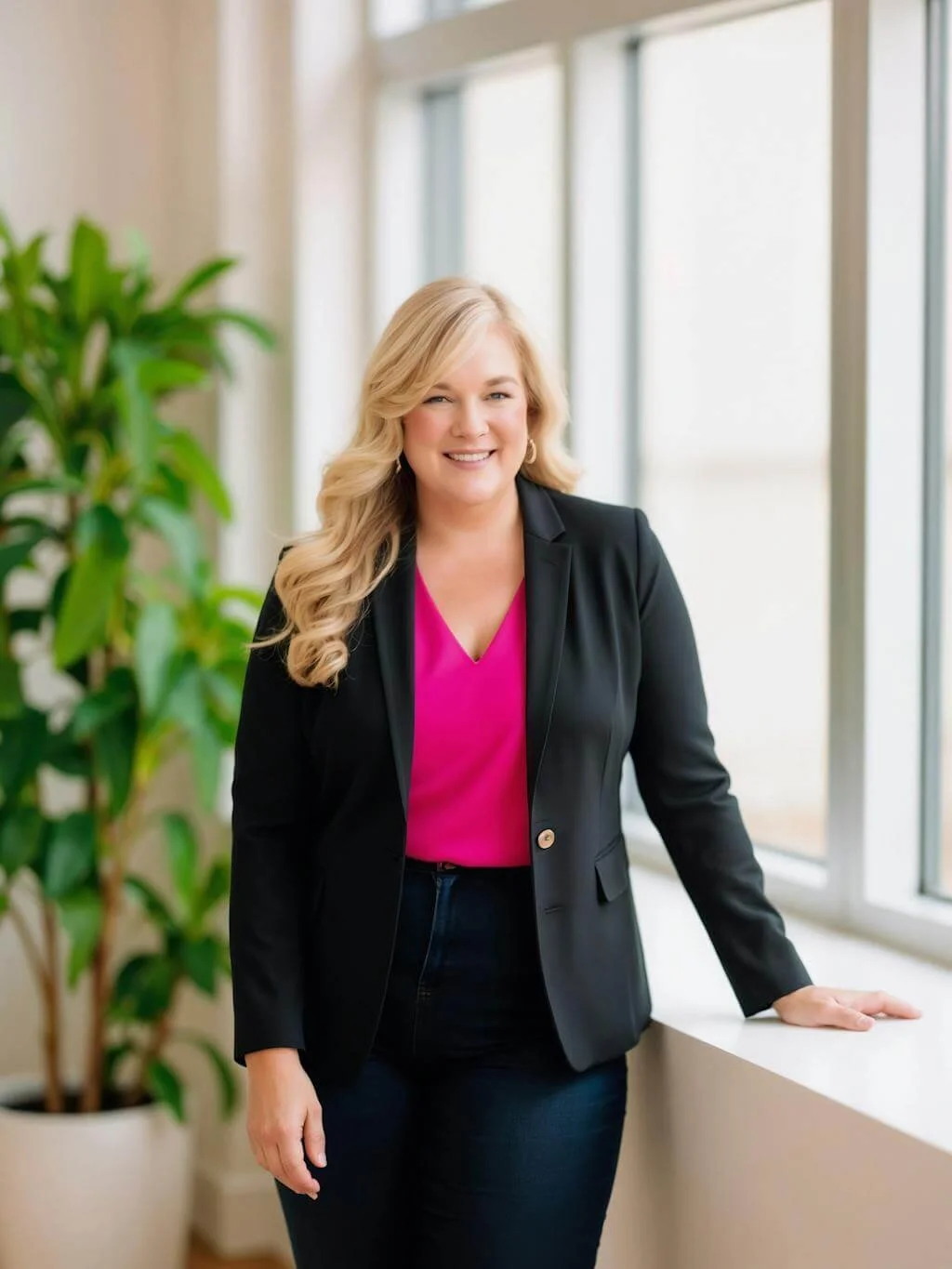
Dr. Destini Copp helps digital product creators build sustainable, systems-based businesses through the Creator Growth Flywheel framework. She's the founder of Creator's MBA and HobbyScool, and has been teaching online business strategy for over a decade. Learn more →